How to send save the dates by text, WhatsApp and email
Send your save the date as a link inside a short personal message, one guest or household at a time, from your own number or email. Use text or WhatsApp for close friends and family, email for anyone you only know by email, and avoid big group chats. Test the link on your own phone first.
A digital save the date is only as good as the way it arrives. The same link can feel like a personal note or like spam, depending on the message around it and the channel you choose. This guide covers each channel, the order to do things in, and the mistakes that cause the most confusion.
Before you send: a five-minute check
- Open the link on your own phone, on Wi-Fi and on cellular data. Check that the names, the date and the place are right.
- Send it to yourself on each channel you plan to use: text, WhatsApp, email. Look at the preview your guests will see.
- Prepare your guest list as households, not individuals. One message per couple or family is enough.
- Write two or three versions of your message: one for family, one for friends, one more formal. Our save the date examples include ready-made messages for text and WhatsApp.
- Pick a sending window. A weekday evening or a weekend morning, not late at night.
Which channel for which guest
| Channel | Best for | Watch out for |
|---|---|---|
| Text message (iMessage, RCS, SMS) | Family and close friends in your contacts | Group texts expose every number; plain SMS may show only the raw link |
| Guests abroad, families who already use it | Broadcast lists only reach people who saved your number | |
| Coworkers, older guests who prefer email, anyone without a cell number | Spam filters; long subject lines; many links in one email | |
| Phone call or printed card | Grandparents and anyone who rarely opens links | Takes more time; plan it in advance |
You will probably use two or three channels. That's fine: what matters is that everyone receives the same save the date within a few days of each other.
Sending by text message
On iPhone (iMessage) and on most recent Android phones (RCS), a link shows up as a preview: an image and a title. On older phones, or when messages fall back to plain SMS, the guest may see the bare address. That's why the sentence before the link matters.
How to do it well:
- Send one text per household. Copy your message, paste it, change the first name. It takes longer than a group text and it's worth it.
- Put the link on its own line, at the end. It keeps the preview clean.
- Say who you are in the first words if the guest may not have your number saved.
Hi Uncle Mark, it's Emma (Robert's daughter). James and I are getting married next September, and here's our save the date:
[link]
Avoid group texts
A group text to a large list shares every guest's number with everyone else, and each “Congrats” notifies the whole group. For a large list, send individual texts or use WhatsApp's broadcast list instead.
Sending by WhatsApp
WhatsApp is the easiest channel for guests abroad, since messages are free over data and arrive instantly.
Individual messages or a broadcast list
- Individual messages are the most personal. With a list of fewer than 50 households, this is the method we'd choose.
- A broadcast list sends the same message to many people at once, but each person receives it as a private message, and their replies come only to you. WhatsApp's help pages state that only contacts who have saved your number in their address book receive broadcast messages; lists are also limited in size (256 contacts at the time of writing). Anyone who hasn't saved your number simply doesn't receive it, without any error on your side. For close family, send individually to be sure.
- A group is for conversation, not for a save the date. Use it later, if at all, for wedding-party logistics.
Check the preview
When you paste the link, WhatsApp loads a preview before you send. Wait for it to appear: if you send too quickly, the message goes out as a bare link. Each of our save the dates is shared as your own link, with a preview of the design.
Hello everyone, Sophie and James here. We're getting married on Lake Como on June 19, 2027, and we'd love you to be there. Our save the date, with the date and travel basics:
[link]
Sending by email
Email suits guests you don't text: coworkers, older relatives who prefer it, family friends whose cell number you don't have.
- Send from your personal address, not a new address created for the wedding. Messages from an address the guest already knows are less likely to end up in spam.
- Write a plain subject line with your names: “Save the date: Emma and James, September 18, 2027.” Avoid all capitals and exclamation marks.
- One link, no attachments. A large image attachment or several links make a message look like marketing.
- Use BCC, or send individually. Never put 80 addresses in the “To” field.
- Send in small batches if your list is long, rather than a single message to everyone.
Subject: Save the date: Emma and James, September 18, 2027
Dear Helen and Tom,
We're getting married on September 18, 2027, in Napa, California, and we'd love you to be there. Our save the date is here: [link]
The formal invitation will follow this summer.
With love, Emma and James
For guests who won't open a link
There are guests for whom any link is a barrier. Call them. Tell them the date and the place, say an invitation will follow, and offer to send a printed card if they would like one. This takes ten minutes and is often the moment they remember most. The digital vs. paper save the dates guide covers the mixed approach in more detail.
After you send
- Don't expect replies. A save the date doesn't ask for an RSVP. Some guests will answer, many won't.
- Note who you sent to and how. A simple spreadsheet column (text, WhatsApp, email, call) saves time when the invitation goes out.
- Follow up with silent close contacts a week later, especially on WhatsApp broadcast lists.
- Send the invitation on the same channels, 6 to 8 weeks before a local wedding and around 3 months before a destination wedding. The full timeline is in when to send save the dates.
Common mistakes
- Sending before the details are final. A second “change the date” message costs more goodwill than a two-week wait.
- Different dates in the message and on the save the date. Copy the date from the save the date itself.
- A link with no message. People are right to be cautious about unexplained links.
- Late-night sending. A message at 11 PM wakes people up; one at 7 PM gets read.
- Forgetting the wedding party and close family. Send to them first, ideally with a personal note, before the wider list.
What our save the dates add
Each of our seven designs, from Lucky Us to Bordeaux, is delivered as your own link, with an “add to calendar” button; most open with an animation, and Biplanes and Élégante add a countdown. The calendar button is what turns “we should keep that weekend free” into an entry in the guest's calendar. You can open every design's demo before ordering, on the phone you'll send from.
Frequently asked questions
Is it okay to text a save the date?
Yes. Texting is now one of the most common ways to send a digital save the date. Add a short personal line so the guest knows who is writing and what the link is.
Should I use a group text?
Avoid it for anything larger than a small family group. Everyone sees everyone's number, and replies go to the whole group. Send individually, or use a WhatsApp broadcast list.
How do WhatsApp broadcast lists work for save the dates?
A broadcast list sends the same message to each person individually, and replies come back only to you. According to WhatsApp's help pages, only contacts who have saved your number receive broadcast messages, so check that close contacts actually got it.
How do I keep my save the date email out of spam?
Send it from your personal address, write a plain subject line with your names, include one link rather than many, and send in small batches rather than one message to everyone.
How do I know if guests received it?
WhatsApp and iMessage show read receipts for many contacts; email doesn't reliably. A save the date asks for no reply, so don't chase everyone. Check with the guests who haven't reacted when you send the invitation.
Designs in this guide
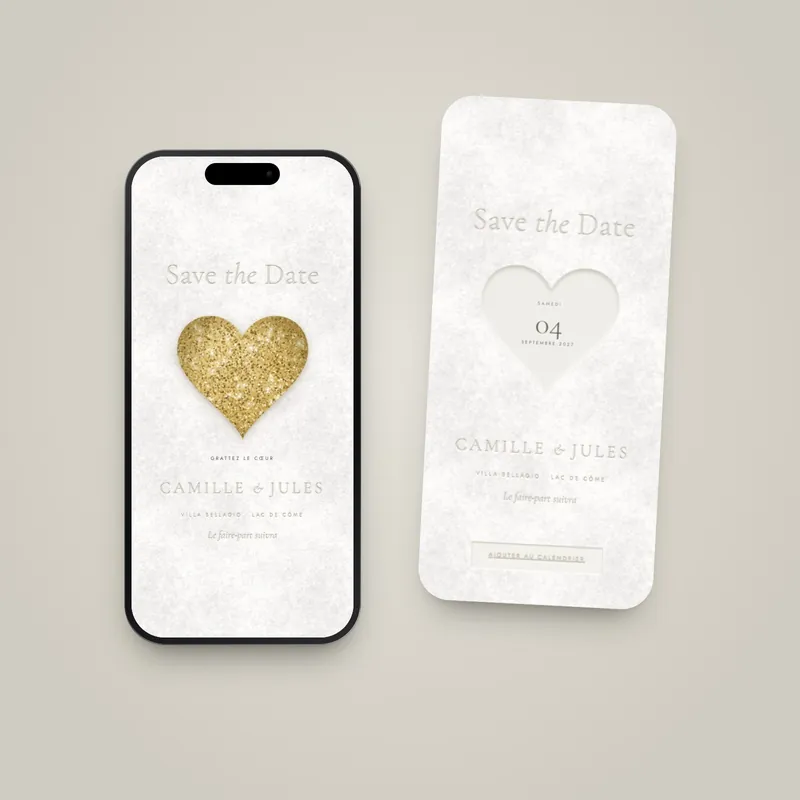 Save the date
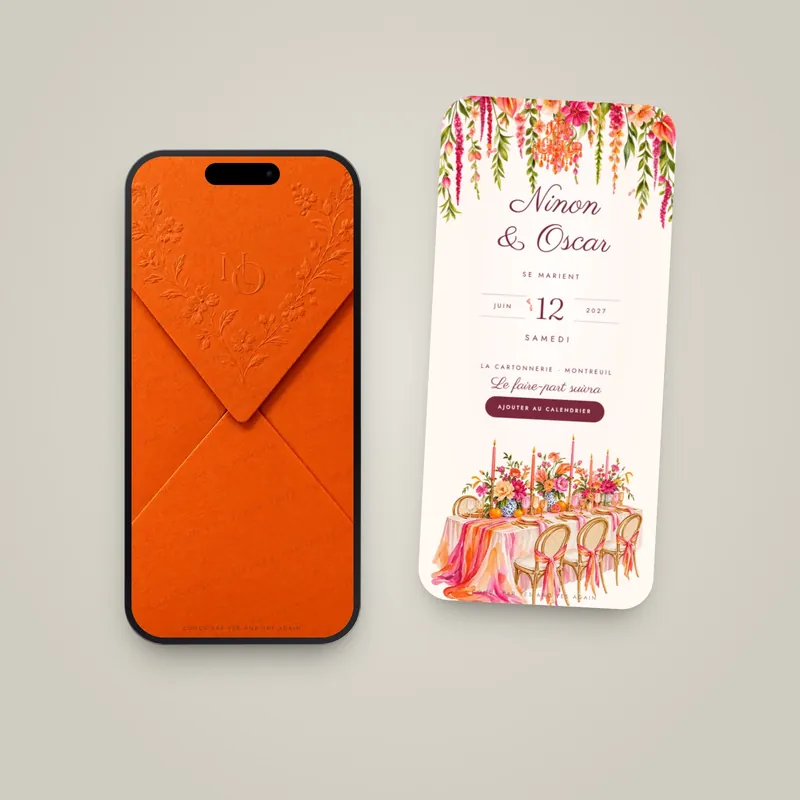 Save the date
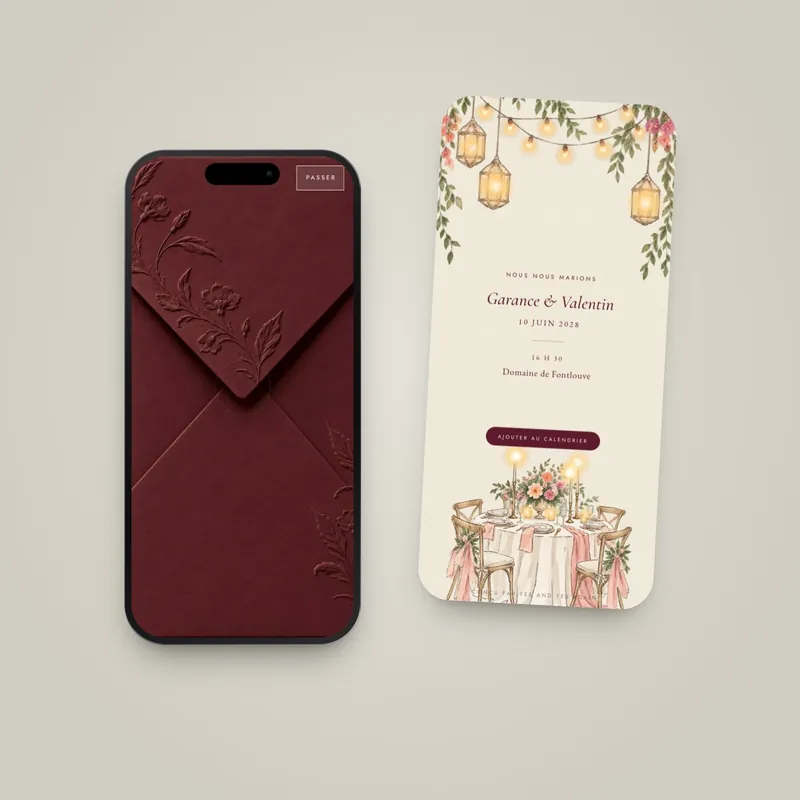 Save the date
A save the date that opens on their phone
11 animated designs, each with a live demo to open before you order. $29 per design, delivered within 3 business days; included with Signature.
Keep reading
60 save the date examples to copy: formal, simple, fun, short, destination, small weddings, adults only, the text for a digital save the date.
Guide · 7 min readWhen to send save the dates (local, destination and digital)Send save the dates 6 to 8 months ahead, or 9 to 12 for a destination wedding. A timeline for every case, with real dates and the digital option.
Guide · 9 min readDestination Wedding Save the Dates: Timing, Wording, ExamplesDestination wedding save the dates go out 9 to 12 months ahead. What to include (travel, hotels, website), wording examples and designs for your venue.
Guide · 6 min readDigital vs. paper save the dates: which one fits your weddingDigital vs. paper save the dates: cost, timing, etiquette and which guests still need a card. A side-by-side table and the mixed approach many couples use.
All articles · Save the dates · Complete guide: When to send save the dates (local, destination and digital)